
This is an overview of how the Alde & Saphir operate together in the TAB 360.
This combination is flexible with many options. This article hopes to help de-mystify the touch panel settings operation.
Alde 3030 = hydronic radiant heat boiler system (controls heat & hot water)
Truma Saphir = forced air reversible heat pump (primarily to provide A/C in the summer, but also has some heating capability)
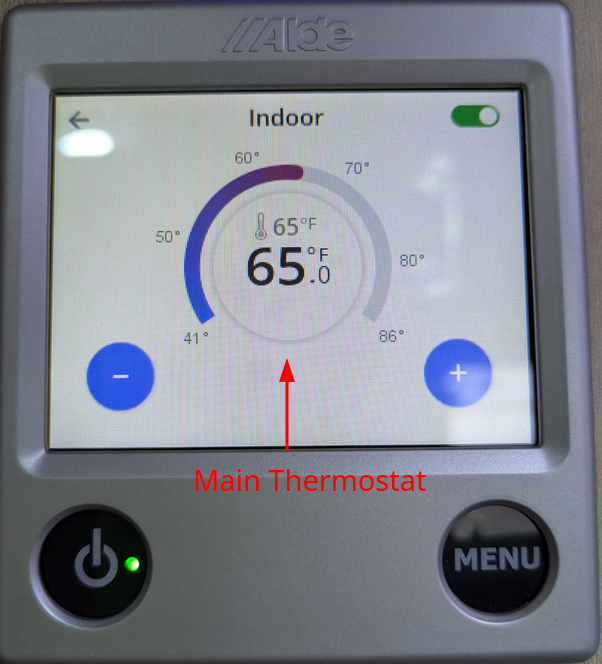
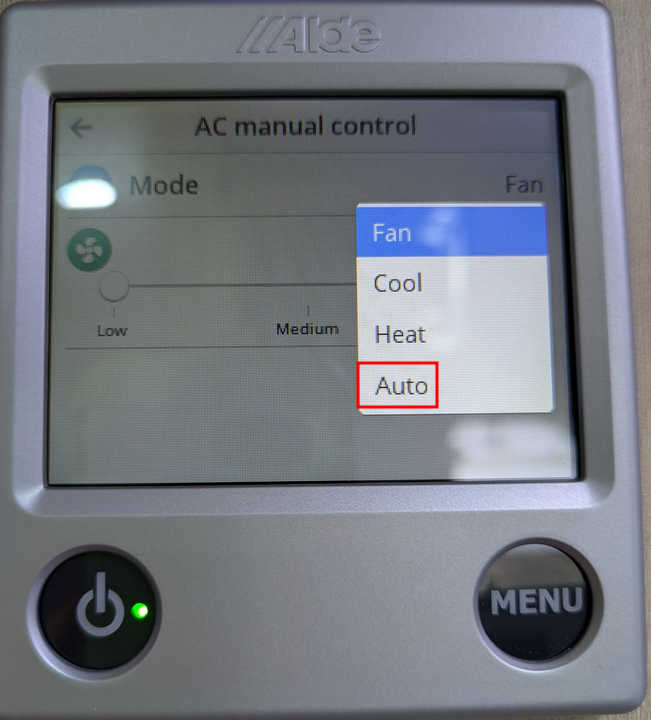
Alde Auto mode - couples the operation of the Alde & Saphir together. Thermostat on the main screen uses whichever appliances it needs to achieve the set temp.
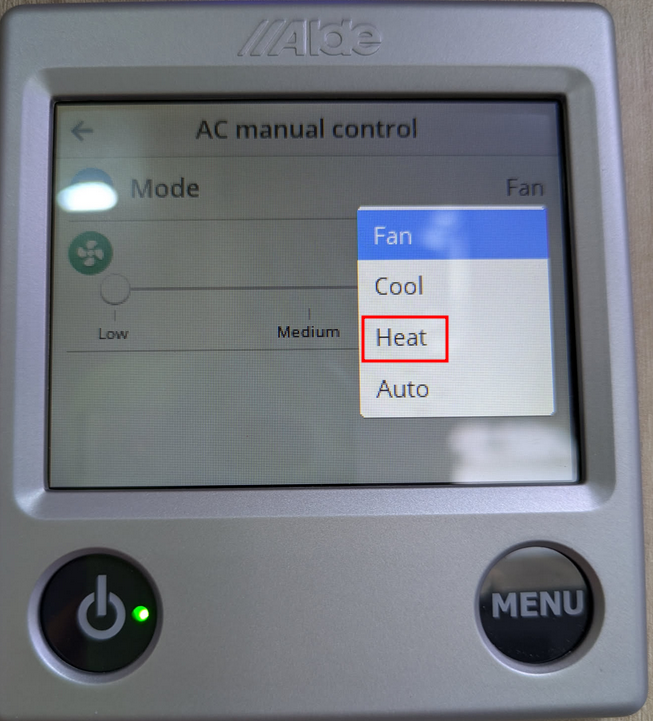
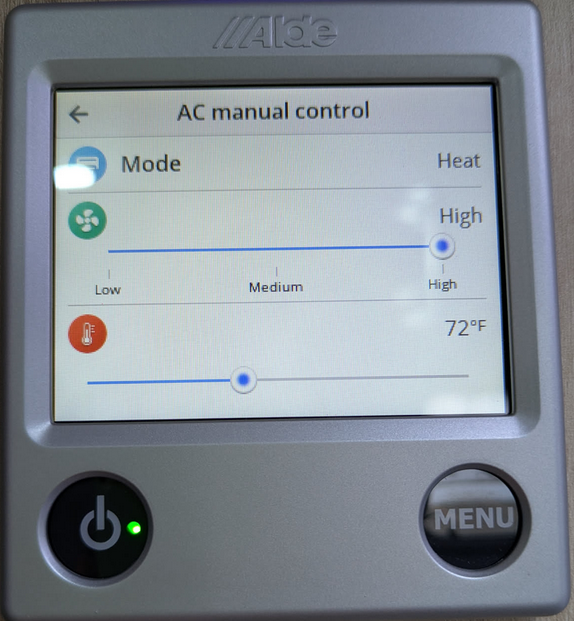
Heat - uses Alde & Saphir Heat Pump function
Cool - uses Saphir A/C function
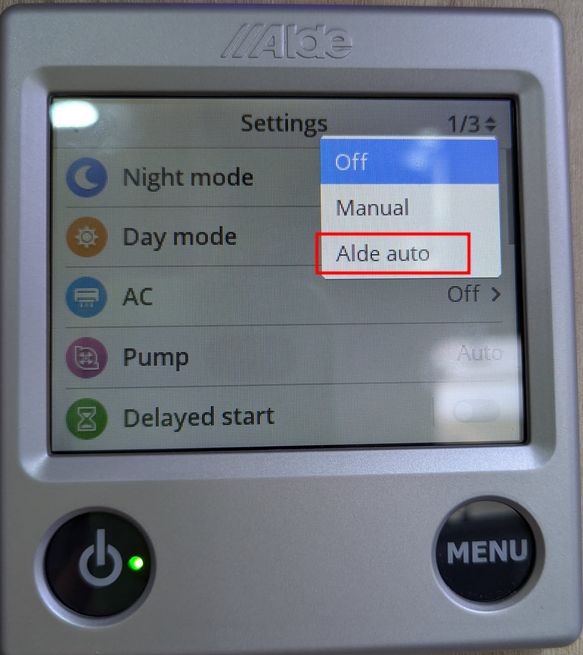
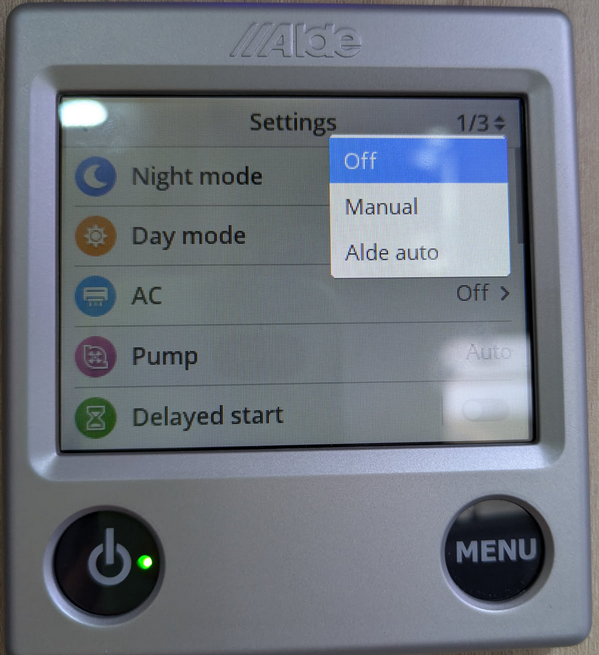
If you do not want the Saphir to run (possibly because it's a loud forced air system) then you can switch it off:
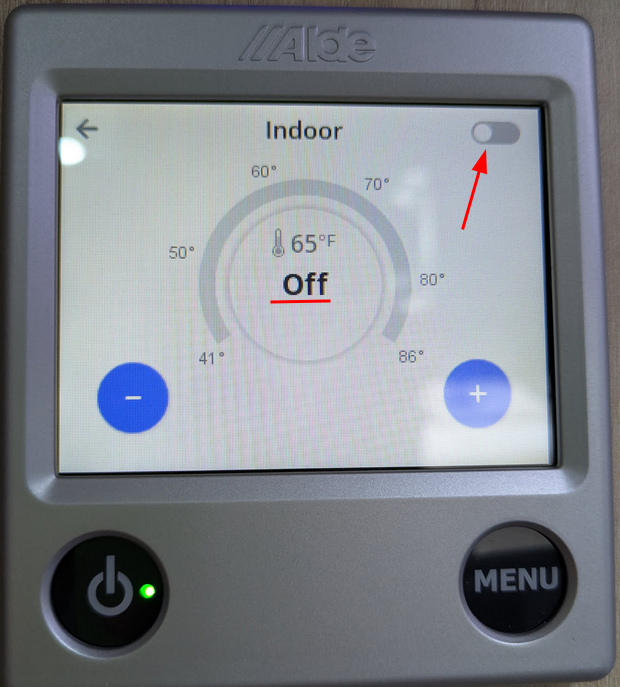
If you don't want to Alde to run, you can flip the toggle switch on the main thermostat:
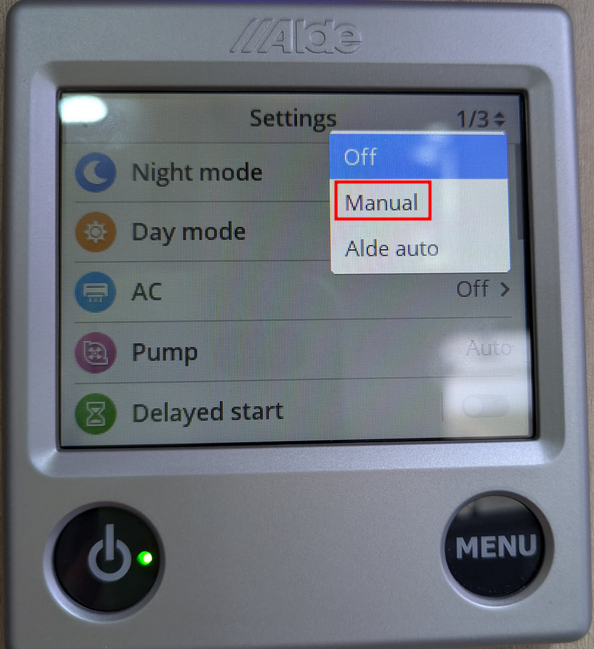
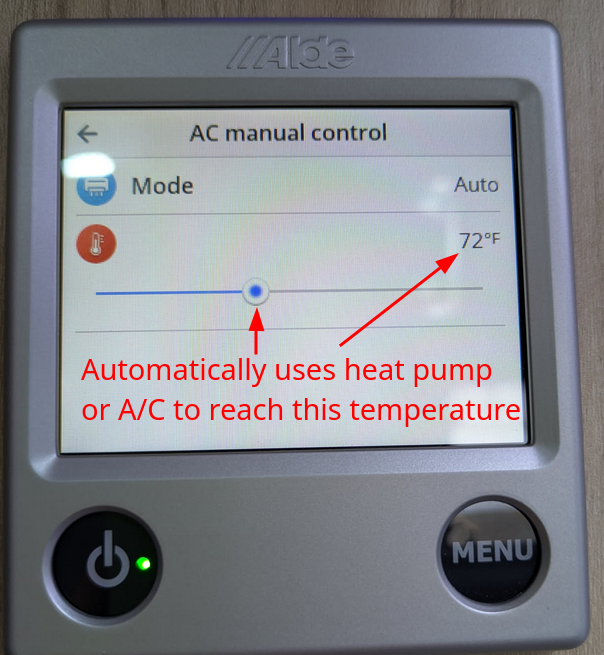
You can also use the Saphir in manual mode to de-couple it's operation from the main thermostat and control it independently:
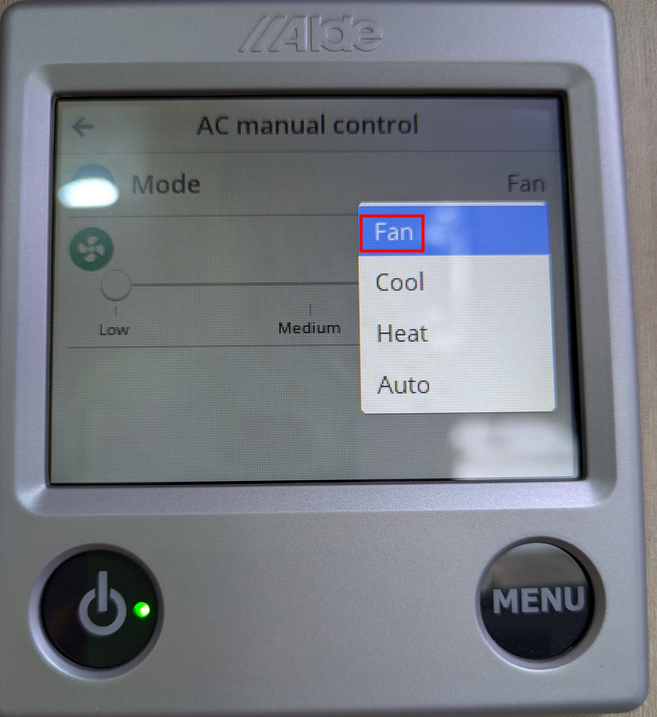
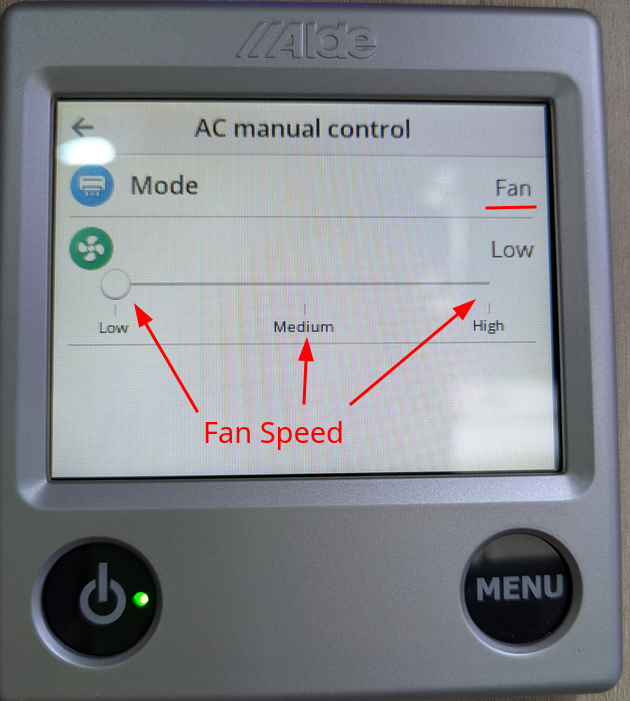
The Saphir has a fan-only mode that you can use to just keep air circulating:
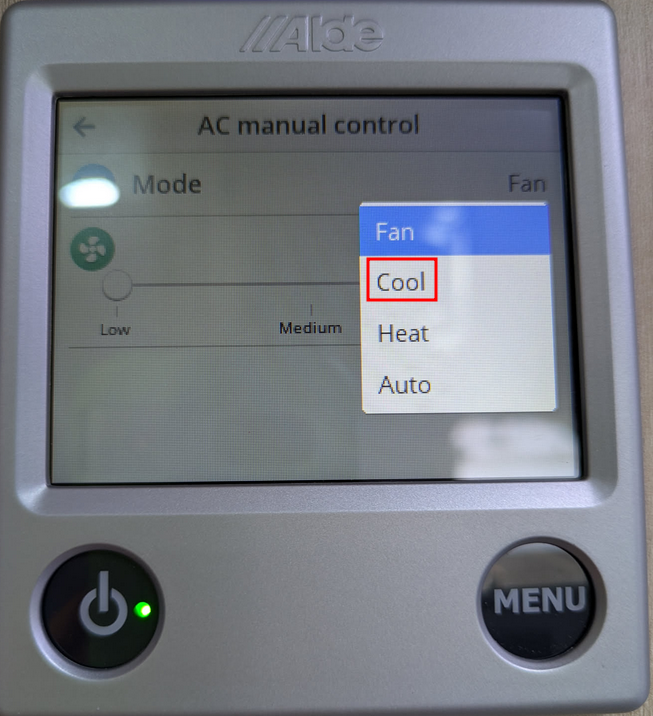
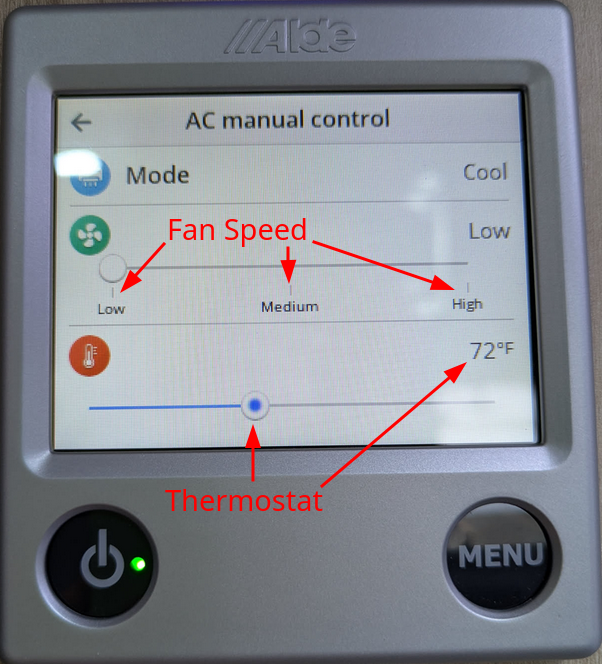
Saphir Cool mode contains the settings for running the Saphir A/C
(if using this mode, you'll probably want to toggle the Alde heat off or else it will try to heat the cabin while the Saphir is trying to cool it)
Saphir Heat mode - the controls for the heat pump look similar:
Manual + Auto tells the Saphir to automatically turn on the heat pump or A/C to reach the set temp in this sub-menu:
 SUPPORT ARTICLES
 Find a Dealer